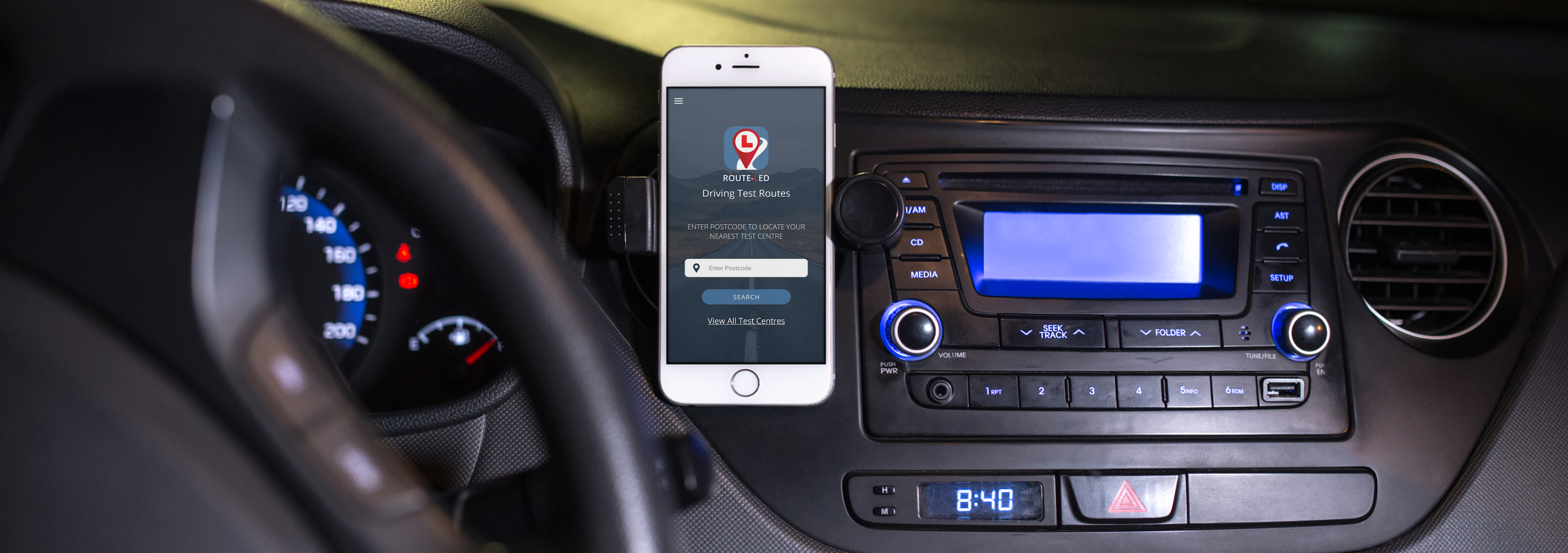




The Route-Led app needed to allow the user to download driving test routes straight to your Apple, Android, Garmin, and TomTom devices.
The app needed to allow the user to navigate through the test route whilst they drive the route themselves similarly to a SatNav device.
Similar to a SatNav device, the app needed visual and audio cues when the user is driving their chosen test route. This needed to include directions and updates.
The app also needed to be aware of things such as traffic and cameras. Then push notifications to the user alerting them to any updates or changes coming up.

The user can go on to the Route-Led website and download all the test routes onto their chosen device. These routes can then be used to navigate on the roads so the user gets the exact test routes that they are likely to get during their actual test.
The user can follow the test route on their chosen device similar to a SatNav so the route is shown from start to finish.
When navigating the route there are audio and visual cues to help the driver get through the course while fully concentrating on driving. Such as when a turn is coming up on the route.
Using a similar system as SatNav’s so the system is aware of everything along the chosen test route from upcoming traffic to speed cameras and pushes notifications to alert the user of changes.

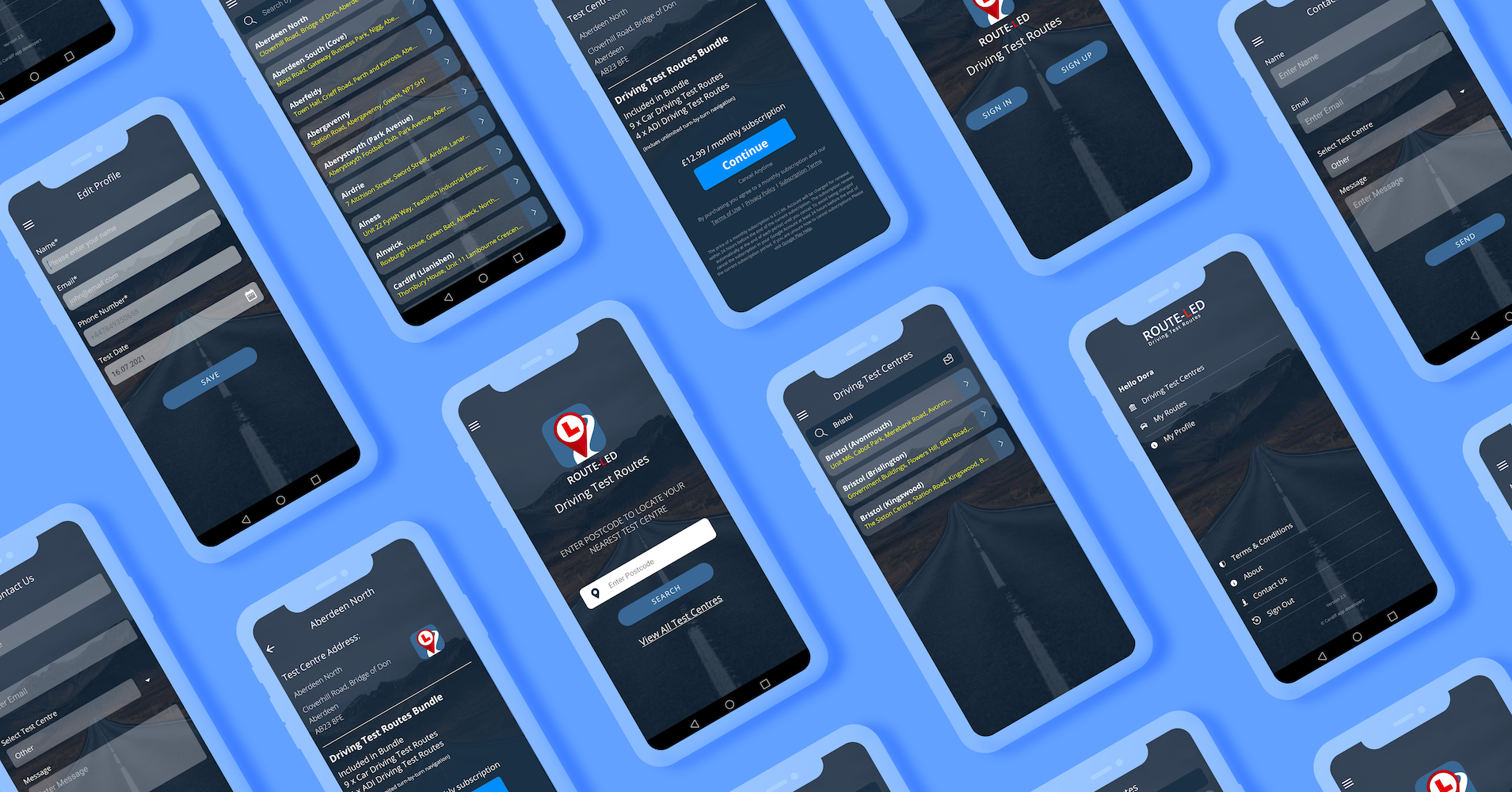
The Route-Led app provides a simple, easy-to-use process in which users can download and navigate through all their local driving test routes. Route-Led includes a powerful navigation routing engine, traffic-aware software, and intuitive turn-by-turn directions. The app includes both audio and visual cues to help the driver navigate the test route so they can concentrate on their driving ready for their upcoming test.
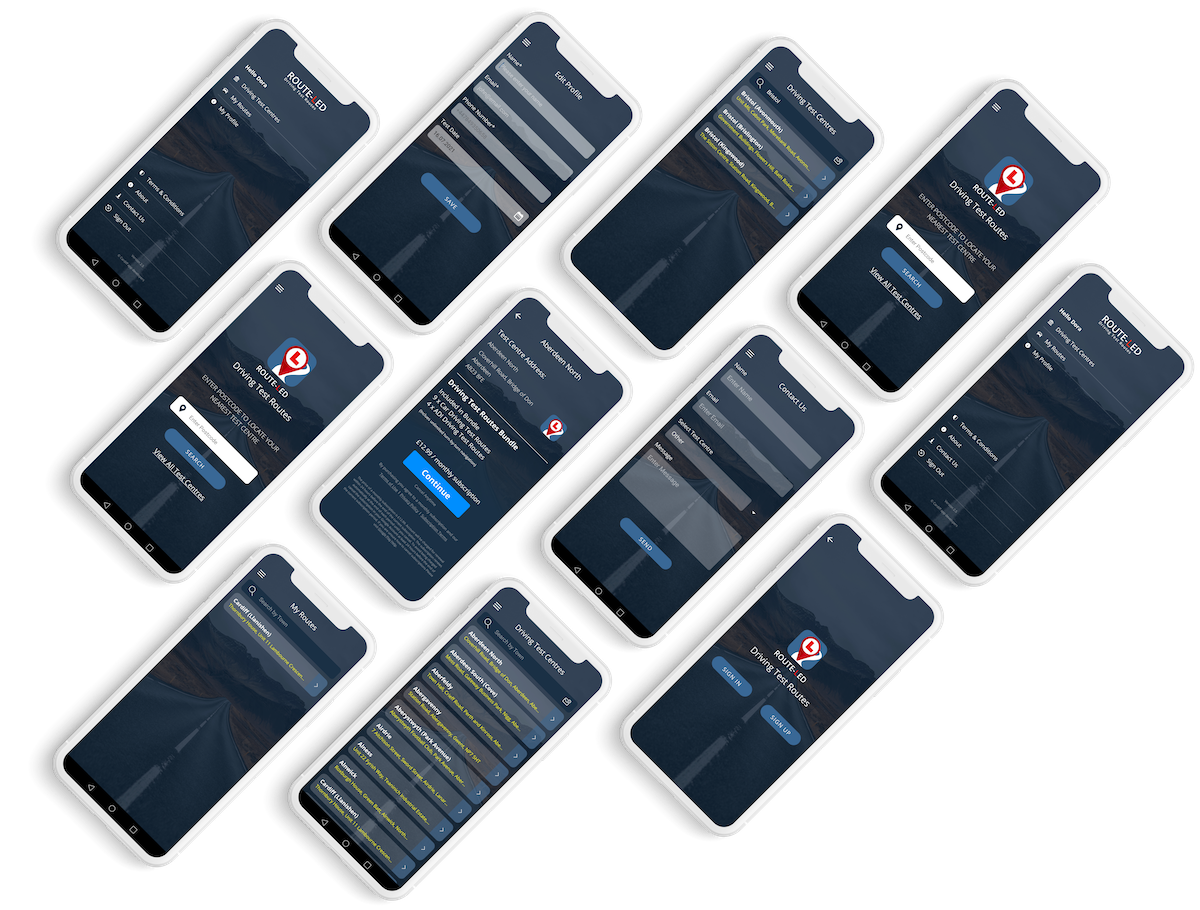

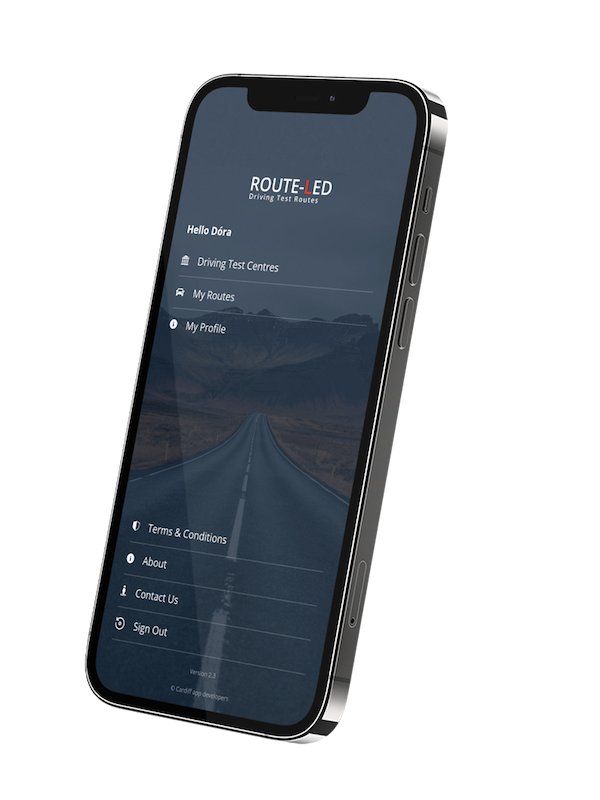
The target audience for Route-Led is anyone taking their driving test coming up. The app’s UI needed to be recognisable from the pre-existing website so the user can move from the website then to the app seamlessly with the user knowing exactly what to do between the two intuitively. The app needed to be easy-to-use because anyone could be taking their test and so the user can focus on it.